UK ETA Photo Requirements: At Least 600 × 750 Pixels, 50 KB to 6 MB
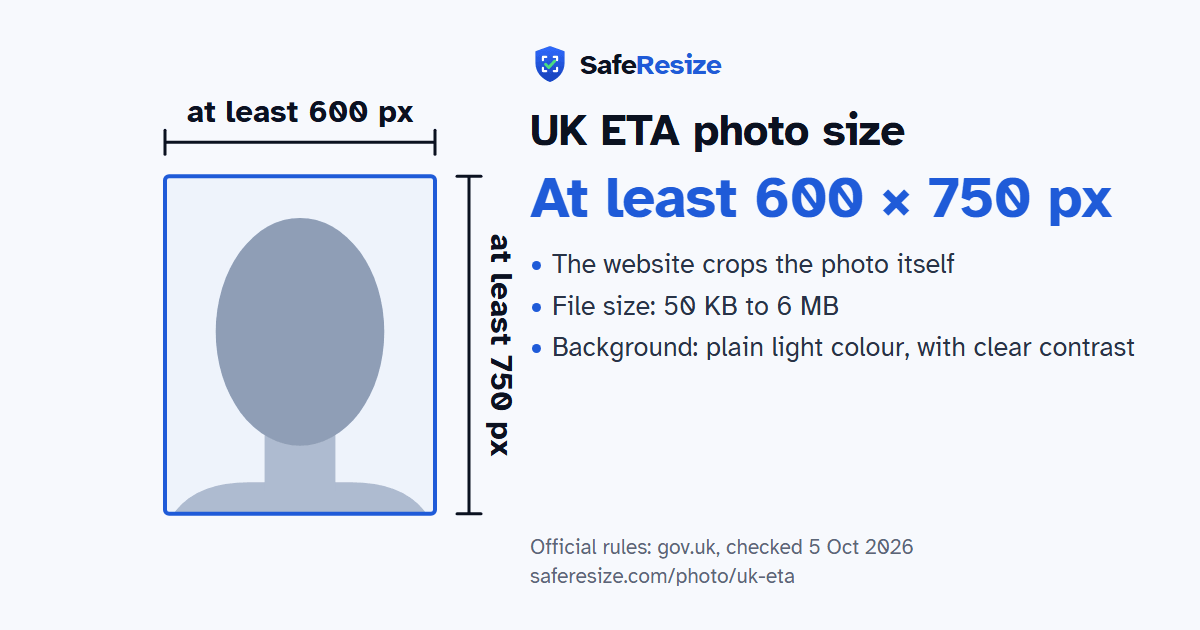
Official rules: at least 600 × 750 px, not cropped, 50 KB to 6 MB, background: plain light colour, with clear contrast. Source: gov.uk, checked 5 Oct 2026.
Official rules: at least 600 × 750 px, not cropped, 50 KB to 6 MB, background: plain light colour, with clear contrast. Source: gov.uk, checked 5 Oct 2026.
The UK ETA photo is a digital photo of at least 600 × 750 pixels that the website crops itself, uploaded as a JPG or JPEG file from 50 KB to 6 MB.
| Printed size | No print size given |
|---|---|
| Pixels (official rule) | At least 600 × 750 pixels, portrait; no maximum stated |
| File size | 50 KB to 6 MB |
| Background | Plain light colour, with clear contrast |
| Head size | Set by the website when it crops your photo |
| Source | gov.uk |
| Checked | 5 Oct 2026 |
A UK Electronic Travel Authorisation can be applied for in the UK ETA app or online on GOV.UK. In the app, you use your phone's camera to scan your passport and your face, so you do not need a photo file. Online, you upload a photo of the passport and a photo of the face of the person applying. GOV.UK warns that if the face photo does not meet the rules, the application may be delayed or rejected.
The online photo follows the rules for digital visa photos: a JPG or JPEG of at least 50 KB and no more than 6 MB, at least 600 pixels wide and 750 pixels tall, against a plain light-coloured background. Try to have another person take it. Do not wear glasses unless you have to, and then no sunglasses or tinted lenses, with your eyes not hidden by frames, glare or shadow. Head coverings are for religious or medical reasons only. Children under 6 need not look straight at the camera.
Sources, checked 5 Oct 2026: Apply for an electronic travel authorisation (GOV.UK) and How to take a photo for a visa application or permission (GOV.UK).
Official pixel rule: At least 600 × 750 pixels, portrait; no maximum stated. The website crops the photo itself, so SafeResize keeps your whole photo and only makes sure it is big enough and within the file size.
The official rule is in pixels: At least 600 × 750 pixels, portrait; no maximum stated. It gives no size in inches or cm.
Between 50 KB and 6 MB. SafeResize checks the size before you download, and keeps it inside the limit whether the website counts 1 KB as 1,000 or 1,024 bytes.
Plain light colour, with clear contrast. Stand in front of a plain wall with no pattern, and face a window so there are no shadows behind you. The official rules do not allow edited photos, so SafeResize does not change the background for this document: a plain wall is the way.
No. The official website crops the photo itself. Keep your head, shoulders and upper body in the photo, with space around your head.
The UK ETA follows the UK Visa photo rules, which say: No glasses unless needed (never tinted).
The official rules say: The UK ETA app scans your face with the phone camera instead, so no photo file is needed there.
When applying online, upload a face photo that meets the UK visa digital photo rules, or your application may be delayed or refused. The UK ETA app scans your face with the phone camera instead, so no photo file is needed there.
JPG or JPEG. SafeResize saves a JPG (JPEG) file.
Yes. A photo taken at home is fine if it follows the rules above. It is easier if someone else takes it for you.
No. The photo is processed inside your browser and never leaves your phone or computer.
Source: gov.uk, checked 5 Oct 2026. Rules can change, so confirm on the official page before you apply.