Oman eVisa Photo Size, Background and File Rules
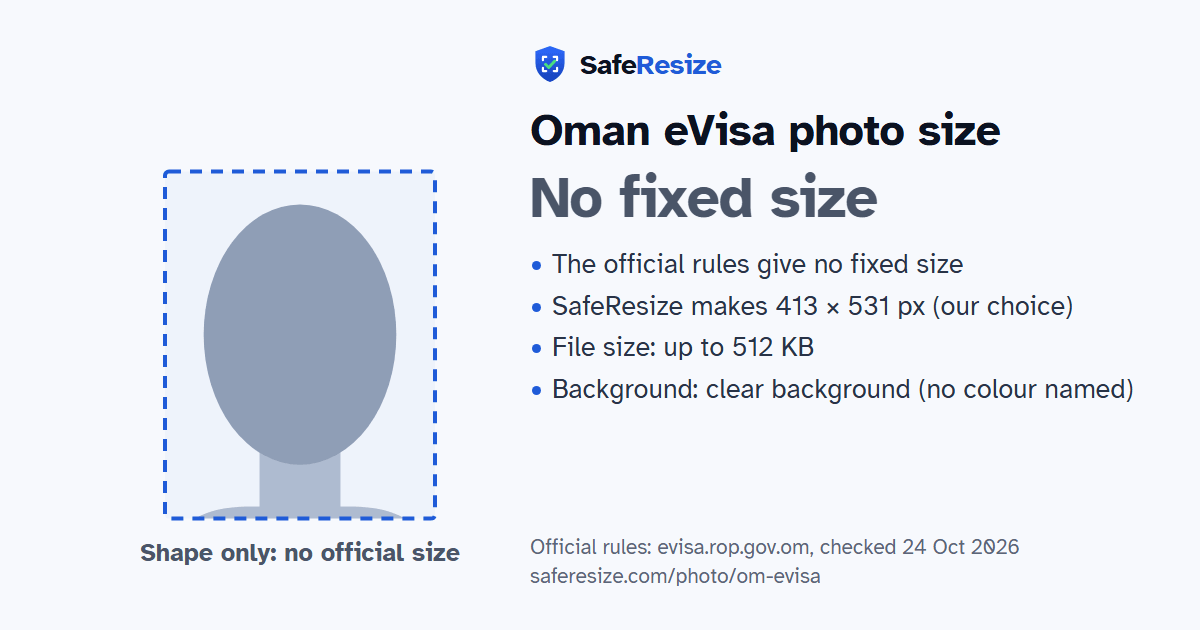
Official rules: no fixed size, up to 512 KB, background: clear background (no colour named). Source: evisa.rop.gov.om, checked 24 Oct 2026.
Official rules: no fixed size, up to 512 KB, background: clear background (no colour named). Source: evisa.rop.gov.om, checked 24 Oct 2026.
The Oman eVisa photo has no fixed size in the official rules; it is uploaded as a file up to 512 KB.
| Printed size | No print size given |
|---|---|
| Pixels (official rule) | Not stated (the guide mentions only 96 DPI) |
| File size | Up to 512 KB |
| Background | Clear background (no colour named) |
| Head size | 70% to 80% of the photo height, chin to top of head (the official rules give none, so this is the ICAO guideline) |
| Source | evisa.rop.gov.om |
| Checked | 24 Oct 2026 |
The Royal Oman Police eVisa system issues unsponsored and sponsored tourist visas, a tourist visa for GCC residents and an express visa. Its Tourist Visit Visa goes to nationals of specified countries for 10 days, 14 days or one month. Anybody may fill in and submit an application for somebody else, and the FAQ suggests lodging it at least 4 days ahead. A normal passport needs 6 months of validity before you enter Oman. The approved visa comes by email; paying the fee does not guarantee it.
Attachments come after the form, and you cannot go on until every mandatory one is added. Each file is capped at 512 KB, its name may hold only letters and digits, at most 35 of them, zip files are refused, and pages must be upright. The preferred formats are PDF, JPEG and PNG, at 96 DPI. ROP wants a colour picture from the last six months, well lit, full face towards the camera, with a clear background, a neutral expression and both eyes open. Remove glasses. A head covering worn daily for religion may stay if your full face shows and it casts no shadow there.
Sources, checked 24 Oct 2026: Guidelines for document attachments (Royal Oman Police eVisa), Frequently asked questions (Royal Oman Police eVisa), Apply for Un-sponsored Visa, user guide v3 (Royal Oman Police eVisa, 2016) and Visa types (Royal Oman Police eVisa).
The official rules do not fix a pixel size. SafeResize makes a sharp 413 × 531 pixel file that fits every other rule.
The official rules give no size in cm or inches, and on pixels they say: not stated (the guide mentions only 96 DPI). SafeResize makes a 413 × 531 pixel photo in the 7:9 shape of a 35 × 45 mm passport photo, our own choice that fits the other rules.
Up to 512 KB. SafeResize checks the size before you download, and keeps it inside the limit whether the website counts 1 KB as 1,000 or 1,024 bytes.
Clear background (no colour named). Stand in front of a plain wall with no pattern, and face a window so there are no shadows behind you. If your wall is not plain enough, the photo maker on this page can make the background white with an AI that runs on your device. Check the edges around your hair afterwards.
From the chin to the top of the head, your head should fill 70% to 80% of the photo height. The official rules do not state this, so we use the international (ICAO) guideline. The face guide in the tool shows both lines.
The official rules say: Full face looking at the camera, neutral expression, both eyes open, no glasses.
Yes. The photo rules on evisa.rop.gov.om do not change with nationality, so Indian, Bangladeshi and Pakistani applicants follow the same ones. Which visa you can apply for does depend on your nationality, and a visa centre in your country may add its own checklist.
The ROP attachment guide caps each file at 512 KB, allows only the numbers 0 to 9 and the letters A to Z in its name, up to 35 characters, and does not accept compressed files such as zip. Its preferred file formats are PDF, JPEG and PNG, and every attachment must be upright.
The ROP user guide says you are told by email and SMS when an application is approved, rejected or needs more information. To answer, the FAQ says to log in, open the Visa Application Inquiry, choose the request, add the data and a comment, and resubmit.
Yes. The ROP FAQ says anybody can fill and submit an e-visa application for anybody else, and an older person without a computer can ask someone familiar with the internet, or a tourist travel office, for help.
Colour, taken in the last 6 months, well lit. Full face looking at the camera, neutral expression, both eyes open, no glasses. No hat or head covering over the hair or hairline unless worn daily for religion, and it must not shade the face. File name: letters and numbers only, up to 35 characters. No zip files.
JPEG or PNG (PDF also for other documents). SafeResize saves a JPG (JPEG) file.
Yes. A photo taken at home is fine if it follows the rules above. It is easier if someone else takes it for you.
No. The photo is processed inside your browser and never leaves your phone or computer.
Source: evisa.rop.gov.om, checked 24 Oct 2026. Rules can change, so confirm on the official page before you apply.