Israel Visa Photo Size: 5 × 5 cm (About 2 × 2 Inches)
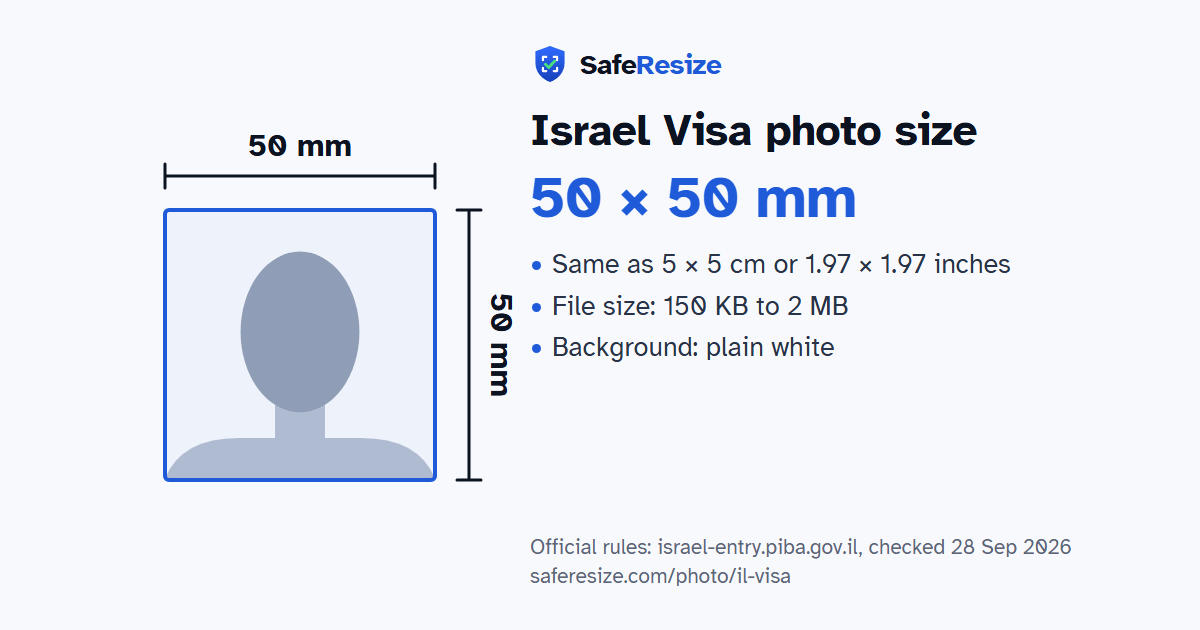
Official rules: 50 × 50 mm, 150 KB to 2 MB, background: plain white. Source: israel-entry.piba.gov.il, checked 28 Sep 2026.
Official rules: 50 × 50 mm, 150 KB to 2 MB, background: plain white. Source: israel-entry.piba.gov.il, checked 28 Sep 2026.
The Israel Visa photo is 50 × 50 mm, uploaded as a file from 150 KB to 2 MB, on a plain white background.
| Printed size | 50 × 50 mm |
|---|---|
| In other units (a conversion) | 50 × 50 mm · 5 × 5 cm · 1.97 × 1.97 in · 591 × 591 px at 300 DPI · 1181 × 1181 px at 600 DPI · ratio 1:1 (square) |
| Pixels (official rule) | Square 5 × 5 cm (about 2 × 2 inch); no pixel size stated |
| File size | 150 KB to 2 MB |
| Background | Plain white |
| Head size | 50% to 69% of the photo height, chin to top of head (the official rules give none, so this is the range the US uses for square photos) |
| Source | israel-entry.piba.gov.il |
| Checked | 28 Sep 2026 |
Israel's eVisa-B2 is the tourist visa for citizens of countries that need one, for short stays such as tourism, medical treatment or business meetings; citizens of countries exempt from the B/2 visa complete an ETA-IL form instead. The online form asks for a photo of your passport's full biographic page, with a clear background and margins showing. The face photo is a separate upload: a JPG, JPEG or PNG of 150 KB to 2 MB, as smaller files are refused and animated PNGs are not valid.
The form wants a current, passport-style picture of your whole face, hair and chin included, on a plain white background, 5 × 5 cm, with eyes open and no shadows on the face or behind it. Its photo description does not mention glasses or head coverings. Applicants under 18 fill in the form, then attend the nearest embassy or consulate with a parent or legal guardian, bringing written consent from both parents or the guardian. Processing is usually completed within 10 days, though the mission may call you for an interview.
Sources, checked 19 Oct 2026: Learn about eVisa-B2 (Population and Immigration Authority), Get help: eVisa-B2 questions and eVisa-B2 application form.
The photo is 50 × 50 mm. Official pixel rule: Square 5 × 5 cm (about 2 × 2 inch); no pixel size stated. SafeResize makes a 1200 × 1200 pixel file that meets it.
50 × 50 mm is 5 × 5 cm or 1.97 × 1.97 inches, a square. Printed at 300 DPI it is 591 × 591 pixels, and at 600 DPI 1181 × 1181 pixels. These are conversions of the official size, not extra rules.
Between 150 KB and 2 MB. SafeResize checks the size before you download, and keeps it inside the limit whether the website counts 1 KB as 1,000 or 1,024 bytes.
Plain white. Stand in front of a plain wall with no pattern, and face a window so there are no shadows behind you. If your wall is not plain enough, the photo maker on this page can make the background white with an AI that runs on your device. Check the edges around your hair afterwards.
From the chin to the top of the head, your head should fill 50% to 69% of the photo height. The official rules do not state this, so we use the range the US sets for its square 2 × 2 inch photos. The face guide in the tool shows both lines.
A clear, current colour photo in passport style, showing your whole face including hair and chin. Eyes open, no shadows on the face or background. The file must be 150 KB to 2 MB, so save it at high JPEG quality. Visa-free travellers using ETA-IL upload a passport page instead.
JPG, JPEG or PNG (no animated PNG). SafeResize saves a JPG (JPEG) file.
Yes. A photo taken at home is fine if it follows the rules above. It is easier if someone else takes it for you.
No. The photo is processed inside your browser and never leaves your phone or computer.
Source: israel-entry.piba.gov.il, checked 28 Sep 2026. Rules can change, so confirm on the official page before you apply.