Nigeria e-Visa Photo Size: 600 × 600 Pixels, Under 1 MB
Official rules: 600 × 600 px, up to 1 MB, background: white. Source: evisa.immigration.gov.ng, checked 28 Sep 2026.
Official rules: 600 × 600 px, up to 1 MB, background: white. Source: evisa.immigration.gov.ng, checked 28 Sep 2026.
The Nigeria e-Visa photo is 600 × 600 pixels, uploaded as a JPG, JPEG or PNG file up to 1 MB, on a white background.
| Printed size | No print size given |
|---|---|
| Pixels (official rule) | Square; the website saves it as 600 × 600 pixels |
| File size | Up to 1 MB |
| Background | White |
| Head size | 50% to 69% of the photo height, chin to top of head (the official rules give none, so this is the range the US uses for square photos) |
| Source | evisa.immigration.gov.ng |
| Checked | 28 Sep 2026 |
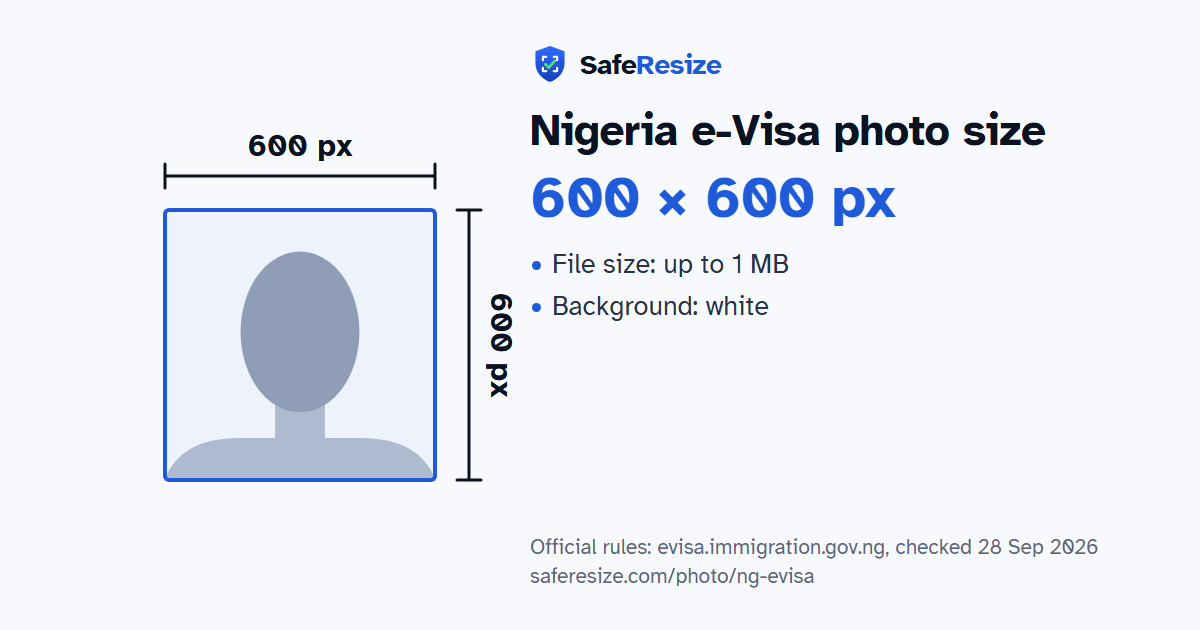
The Nigeria e-Visa lets eligible foreign nationals apply online instead of at an embassy, for short-visit categories such as tourism, business, transit and visiting. Citizens of ECOWAS states, and of countries with visa abolition agreements, need no visa but must fill in landing and exit cards. After you sign in, the photo is uploaded on the biodata page as a JPG, JPEG or PNG smaller than 1 MB, with a white background, and it must contain your face. You crop it inside a square frame, and the portal saves the result as a 600 × 600 pixel JPEG.
Dependants cannot apply on their own: a parent or guardian adds them from that same biodata page, and the knowledge base lists a birth certificate and a parental consent letter for minors. Fingerprint enrolment is mandatory, through the mobile app or at the port of entry. An approved applicant receives an approval letter with a QR code by email, prints it and shows it on arrival. Neither the portal nor the knowledge base mentions glasses or head coverings.
Sources, checked 19 Oct 2026: Nigeria e-Visa portal (Nigeria Immigration Service) and Knowledge base: Short Visit Visa (e-Visa) (Nigeria Immigration Service).
Official pixel rule: Square; the website saves it as 600 × 600 pixels. SafeResize makes a 600 × 600 pixel file that meets it.
The official rule is in pixels: Square; the website saves it as 600 × 600 pixels. It gives no size in inches or cm.
Up to 1 MB. SafeResize checks the size before you download, and keeps it inside the limit whether the website counts 1 KB as 1,000 or 1,024 bytes.
White. Stand in front of a plain wall with no pattern, and face a window so there are no shadows behind you. If your wall is not plain enough, the photo maker on this page can make the background white with an AI that runs on your device. Check the edges around your hair afterwards.
From the chin to the top of the head, your head should fill 50% to 69% of the photo height. The official rules do not state this, so we use the range the US sets for its square 2 × 2 inch photos. The face guide in the tool shows both lines.
The photo must be under 1 MB, have a white background and show your face. Use a photo of at least 600 × 600 pixels, because the website saves it at that size.
JPG, JPEG or PNG. SafeResize saves a JPG (JPEG) file.
Yes. A photo taken at home is fine if it follows the rules above. It is easier if someone else takes it for you.
No. The photo is processed inside your browser and never leaves your phone or computer.
Source: evisa.immigration.gov.ng, checked 28 Sep 2026. Rules can change, so confirm on the official page before you apply.