Mexico e-Visa Photo: A 2 to 5 MB File on a White Background
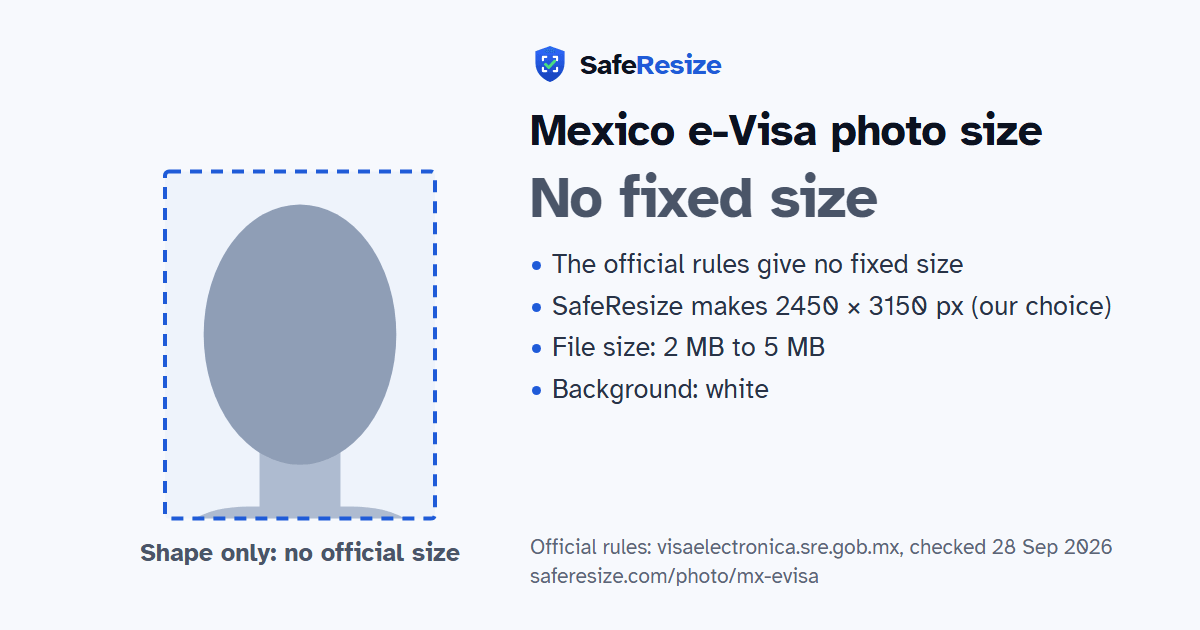
Official rules: no fixed size, 2 MB to 5 MB, background: white. Source: visaelectronica.sre.gob.mx, checked 28 Sep 2026.
Official rules: no fixed size, 2 MB to 5 MB, background: white. Source: visaelectronica.sre.gob.mx, checked 28 Sep 2026.
The Mexico e-Visa photo has no fixed size in the official rules; it is uploaded as a JPG, JPEG or PNG file from 2 MB to 5 MB, on a white background.
| Printed size | No print size given |
|---|---|
| Pixels (official rule) | Not stated; the file must be 2–5 MB, so use a large, high-quality photo |
| File size | 2 MB to 5 MB |
| Background | White |
| Head size | 70% to 80% of the photo height, chin to top of head (the official rules give none, so this is the ICAO guideline) |
| Source | visaelectronica.sre.gob.mx |
| Checked | 28 Sep 2026 |
Mexico's Visa Electrónica lets visitors of the nationalities Mexico chooses fly in without permission to work. Foreign Affairs (SRE) started it on 5 February 2026 for citizens of Brazil, and the Consulate in Tucson's World Cup visa notice, updated in June 2026, says it is still open only to them. You create an account on the SRE portal, enter your details in Latin letters as in your passport, and pay by Visa or Mastercard card. The decision is immediate. An approved visa, with a QR code, is printed and shown to the airline and at immigration.
Two images go with the form, each a .jpg, .jpeg or .png file of 2 to 5 MB: your face without glasses against white, like a passport picture, and the data page of your passport, framed to the page itself and clearly visible. The visa allows one entry by air within 180 days, and even a connection through a Mexican airport needs one. Parents or guardians fill in a minor's request, and dependent family can be added from the same account. A new passport needs a new e-visa, and fees are not refunded, even after a refusal.
Sources, checked 25 Oct 2026: Preguntas frecuentes sobre Visa Electrónica (SRE, from visaelectronica.sre.gob.mx, in Spanish), Lineamientos generales para la expedición de visas, Trámite 3 (Diario Oficial de la Federación, 25 July 2025, on the Consulate of Mexico in Houston website, in Spanish), Visa electrónica para nacionales de Brasil (SRE press release 021/2026, in Spanish) and World Cup Visas (Consulate of Mexico in Tucson, updated 2 June 2026).
The official rules do not fix a pixel size. SafeResize makes a sharp 2450 × 3150 pixel file that fits every other rule.
The official rules give no size in cm or inches, and on pixels they say: not stated; the file must be 2–5 MB, so use a large, high-quality photo. SafeResize makes a 2450 × 3150 pixel photo in the 7:9 shape of a 35 × 45 mm passport photo, our own choice that fits the other rules.
Between 2 MB and 5 MB. SafeResize checks the size before you download, and keeps your file a little inside that limit, so it fits however the website counts a KB.
White. Stand in front of a plain wall with no pattern, and face a window so there are no shadows behind you. If your wall is not plain enough, the photo maker on this page can make the background white with an AI that runs on your device. Check the edges around your hair afterwards.
From the chin to the top of the head, your head should fill 70% to 80% of the photo height. The official rules do not state this, so we use the international (ICAO) guideline. The face guide in the tool shows both lines.
The official rules say: Face photo without glasses on a white background, like a passport photo.
Only nationalities Mexico authorises, travelling by air as visitors without paid work. The SRE launched it for Brazilian nationals on 5 February 2026, and the Consulate of Mexico in Tucson said on 2 June 2026 that it was currently available only to them.
No. The e-visa FAQ asks for a digital photo of your face without glasses, on a white background similar to a passport photo.
The e-visa portal says a valid visa from Canada, the US, Japan, the UK or a Schengen country, or permanent residence in one of them or a Pacific Alliance country, lets you ask to enter for under 180 days for tourism, business or other unpaid activity. You can still apply for the e-visa if you want it.
The FAQ says you can apply for a visa at a Mexican embassy or consulate, meeting that visa's requirements. The fee for the refused e-visa is not refunded.
Face photo without glasses on a white background, like a passport photo. You also upload an image of your passport data page (JPG, JPEG or PNG, 2–5 MB). Only for nationalities Mexico allows, travelling by air, applied for at visaelectronica.sre.gob.mx. The website can also take the photo with your camera.
JPG, JPEG or PNG. SafeResize saves a JPG (JPEG) file.
Yes. A photo taken at home is fine if it follows the rules above. It is easier if someone else takes it for you.
No. The photo is processed inside your browser and never leaves your phone or computer.
Source: visaelectronica.sre.gob.mx, checked 28 Sep 2026. Rules can change, so confirm on the official page before you apply.