Cambodia e-Visa Photo Size & Requirements: A 4:5 JPEG or PNG
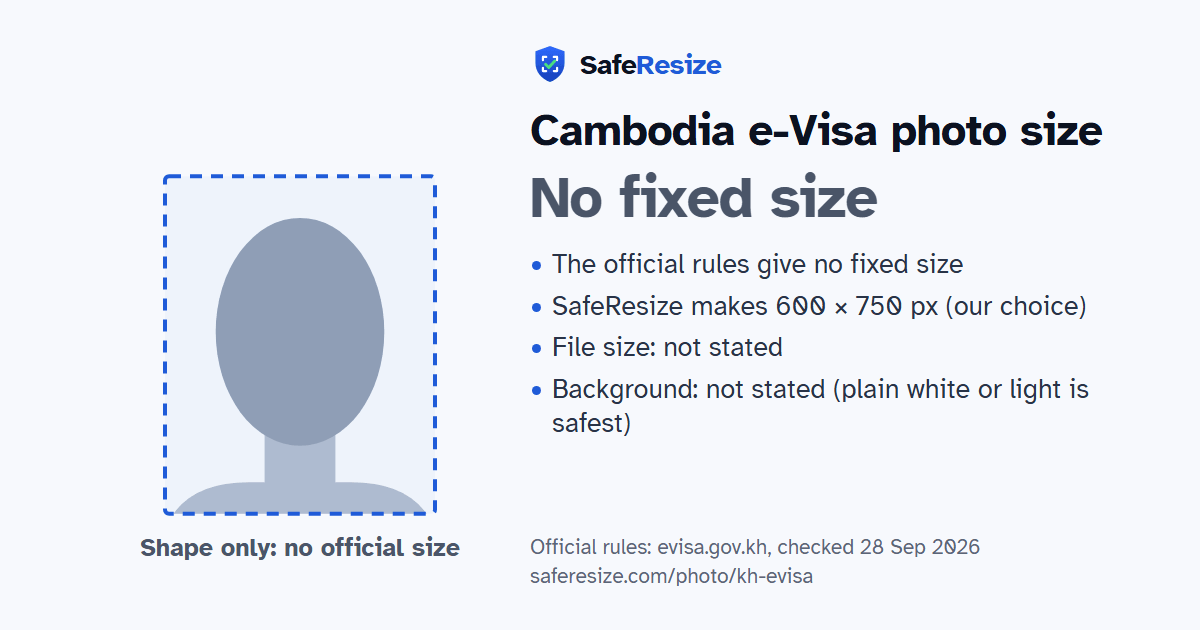
Official rules: no fixed size, background: not stated (plain white or light is safest). Source: evisa.gov.kh, checked 28 Sep 2026.
Official rules: no fixed size, background: not stated (plain white or light is safest). Source: evisa.gov.kh, checked 28 Sep 2026.
The Cambodia e-Visa photo has no fixed size in the official rules; it is uploaded as a JPEG or PNG file.
| Printed size | No print size given |
|---|---|
| Pixels (official rule) | Not stated; the website crops the photo to a 4:5 portrait |
| File size | Not stated in the official rules |
| Background | Not stated (plain white or light is safest) |
| Head size | 60% to 75% of the photo height, chin to top of head (the official rules give none; this is a usual range for this shape of photo, not an official rule) |
| Source | evisa.gov.kh |
| Checked | 28 Sep 2026 |
Cambodia's foreign ministry has run its e-Visa website since April 2006. Ordinary travellers can buy a tourist visa (T) for USD 30 or a business visa (E) for USD 35: one entry, valid for 3 months from issue, for a one-month stay, processed in about 3 business days. Nationals of nine ASEAN countries, such as Thailand and Vietnam, need no visa. You need a passport valid for more than six months on arrival, a Visa or Mastercard card, and a recent passport-size photo in digital form, as a JPEG or PNG file.
The public pages give no size, background or file limit for the photo. If you upload the wrong one, the FAQ says to email a new photo to info@evisa.gov.kh with your reference number. Up to 10 travellers can apply together. Not every land border with Thailand, Vietnam or Laos takes the e-Visa, so check your crossing first, and travel on the passport the visa was issued for. The terms of July 2026 add that fees are not refunded once processing starts, and that false details or forged documents can get a visa refused or revoked.
Sources, checked 25 Oct 2026: Visa type information (Cambodia e-Visa, Ministry of Foreign Affairs and International Cooperation), Frequently asked questions (Cambodia e-Visa), Terms and conditions (Cambodia e-Visa, updated 14 Jul 2026) and About e-Visa (Cambodia e-Visa).
The official rules do not fix a pixel size. SafeResize makes a sharp 600 × 750 pixel file that fits every other rule.
The official rules give no size in cm or inches, and on pixels they say: not stated; the website crops the photo to a 4:5 portrait. SafeResize makes a 600 × 750 pixel photo in a 4:5 shape, our own choice that fits the other rules.
The official rules do not state a file size. SafeResize shows the size of your file before you download it, so you can compare it with what the application screen asks for.
Not stated (plain white or light is safest). Stand in front of a plain wall with no pattern, and face a window so there are no shadows behind you. If your wall is not plain enough, the photo maker on this page can make the background white with an AI that runs on your device. Check the edges around your hair afterwards.
From the chin to the top of the head, your head should fill 60% to 75% of the photo height. The official rules do not state this, so we use a usual range for this shape of photo. The face guide in the tool shows both lines.
Yes. The photo rules on evisa.gov.kh do not change with nationality, so Indian, Bangladeshi and Pakistani applicants follow the same ones. Which visa you can apply for does depend on your nationality, and a visa centre in your country may add its own checklist.
The e-Visa website asks for a recent passport-size photo in digital format, as a JPEG or PNG file. Its public pages give no pixel size, background or file size limit.
Yes. The e-Visa FAQ says to send the new photo to info@evisa.gov.kh together with your application's reference number.
No. The FAQ says not all border checkpoints support the e-Visa, so check yours before you apply. At a checkpoint that does not, you can get a visa on arrival instead.
The visa information page says processing takes 3 business days. The tourist visa is for a single entry, valid for 3 months from the date of issue, for a stay of one month.
A recent passport-style face photo. To change your photo after you submit, email the new one to info@evisa.gov.kh with your reference number.
JPEG or PNG. SafeResize saves a JPG (JPEG) file.
Yes. A photo taken at home is fine if it follows the rules above. It is easier if someone else takes it for you.
No. The photo is processed inside your browser and never leaves your phone or computer.
Please note: Cambodia publishes very few photo rules, so check the instructions on the e-Visa website when you apply.
Source: evisa.gov.kh, checked 28 Sep 2026. Rules can change, so confirm on the official page before you apply.