India e-Visa Photo Size: Square JPEG, 10 KB to 1 MB
Official rules: no fixed size, 10 KB to 1 MB, background: plain light colour or white. Source: indianvisaonline.gov.in, checked 28 Sep 2026.
Official rules: no fixed size, 10 KB to 1 MB, background: plain light colour or white. Source: indianvisaonline.gov.in, checked 28 Sep 2026.
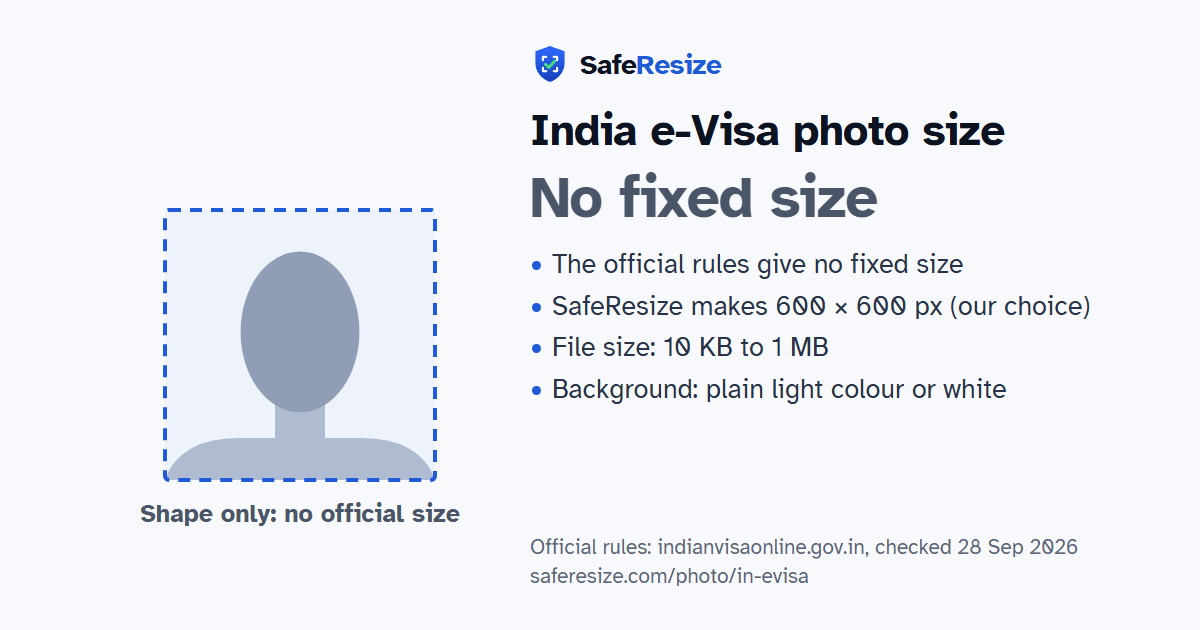
The India e-Visa photo has no fixed size in the official rules; it is uploaded as a JPEG file from 10 KB to 1 MB, on a plain light colour or white background.
| Printed size | No print size given |
|---|---|
| Pixels (official rule) | Square (height equals width); no pixel range stated |
| File size | 10 KB to 1 MB |
| Background | Plain light colour or white |
| Head size | 50% to 69% of the photo height, chin to top of head (the official rules give none, so this is the range the US uses for square photos) |
| Source | indianvisaonline.gov.in |
| Checked | 28 Sep 2026 |
India's e-Visa is for citizens of the countries listed as eligible on the official website, and it comes in nine kinds, such as e-Tourist and e-Medical. Apply for an e-Tourist or e-Business visa online at least 4 days before you arrive. Everyone uploads a recent front-facing photo with a white background and the photo page of their passport, as a PDF, plus one more document that depends on the e-Visa type.
The photo must be a JPEG between 10 KB and 1 MB, with equal height and width. Show your full face from the front, eyes open and no spectacles, with your whole head, hair to chin, in the centre. Use a plain light-coloured or white background with no shadows and no border. The instructions warn that an application is liable to be rejected if the photo or documents are not clear or not to the specification. If an image is not right after the check, you are usually emailed within 24 hours and asked to upload it again. A child needs a separate e-Visa, and your biometrics are taken at immigration when you land.
Source, checked 5 Oct 2026: e-Visa (Indian Visa Online).
Official pixel rule: Square (height equals width); no pixel range stated. SafeResize makes a 600 × 600 pixel file that meets it.
The official rules give no size in cm or inches, and on pixels they say: square (height equals width); no pixel range stated. SafeResize makes a 600 × 600 pixel photo, a square, our own choice that fits the other rules.
Between 10 KB and 1 MB. SafeResize checks the size before you download, and keeps it inside the limit whether the website counts 1 KB as 1,000 or 1,024 bytes.
Plain light colour or white. Stand in front of a plain wall with no pattern, and face a window so there are no shadows behind you. If your wall is not plain enough, the photo maker on this page can make the background white with an AI that runs on your device. Check the edges around your hair afterwards.
From the chin to the top of the head, your head should fill 50% to 69% of the photo height. The official rules do not state this, so we use the range the US sets for its square 2 × 2 inch photos. The face guide in the tool shows both lines.
The official rules say: Full face, front view, eyes open, no glasses.
Full face, front view, eyes open, no glasses. Centre the full head, from top of hair to chin. No shadows and no borders. Upload your passport details page, and any business or medical papers, separately as PDFs of 10–300 KB.
JPEG. SafeResize saves a JPG (JPEG) file.
Yes. A photo taken at home is fine if it follows the rules above. It is easier if someone else takes it for you.
No. The photo is processed inside your browser and never leaves your phone or computer.
Source: indianvisaonline.gov.in, checked 28 Sep 2026. Rules can change, so confirm on the official page before you apply.